Derby

Derby Lotto App

Boost your lottery experience! Follow the instructions to get our App!

Step 1:
1. Click on the "Download Derby APK" icon on the lower left side of the page to download the file.
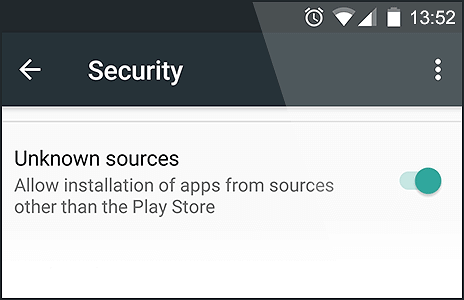
2. Enable "Unknown Sources" as in the image below.
Security
3. After you've downloaded the App, go to your phone's Settings page and tap Security or Applications (depending on your device).
4. Select the box for "Unknown Sources" and confirm with OK.
Step 2:
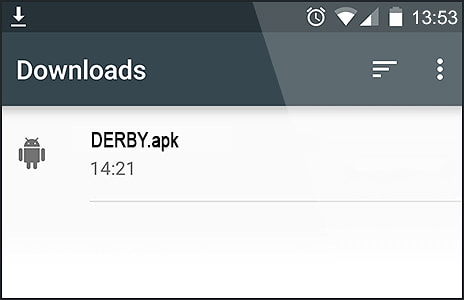
1. Find the download in your Notifications
Downloads
2. Open Downloads on your device by going to My Files or Files.
3. Tap on the Derbylotto app file (DERBY.apk)
4. Select "Install" when prompted.

... and that's it, you should have the mobile app installed! To proceed, simply login with your user credentials!
Download App
Download on the app store

Copyright 2026 Derby Lotto Limited